
To make a custom potrait profile for your Project.
- Project -> Project Settings.
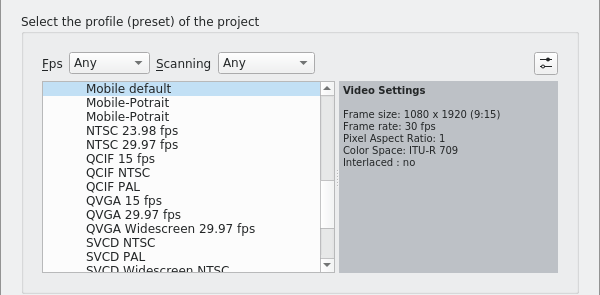
- Click on the Toggle setting Icon on the Right side
- Create a new custom profile of your choice.
- In this case, Mobile potrait with 1080p
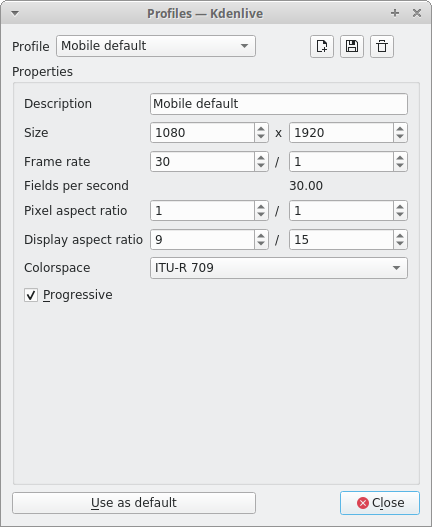
- Save the profile and Close.
- U can set the profile and import files.
- After editing the project, Render and have fun with Kendlive.
 fossindru